
Download WinZip 27 – zip utility, file compression, PDF editing, image management, secure backup, file sharing
Overview
WinZip 27 emerges as a comprehensive mobile solution designed for users seeking reliable file compression and management on Android devices. As the world’s leading zip utility, it supports over 17 major compression formats, enabling seamless handling of archives across diverse workflows. The app addresses common challenges such as large file storage, inefficient sharing, and the need for secure data handling—particularly relevant in professional and personal environments where file integrity and accessibility are critical.
Target users include both casual individuals managing personal documents and professionals handling complex file exchanges. Whether organizing photos, compressing project files, or preparing documents for email, WinZip 27 streamlines the process with intuitive tools. Its integration of advanced features like PDF editing, image optimization, and secure backup expands its utility beyond basic archiving, positioning it as a multifunctional productivity tool within the mobile ecosystem.
The developer, WinZip, LLC, is a well-established name in file management software, lending credibility to the app’s reliability. Although specific technical details about backend architecture or cloud integration were not provided, the app’s continued evolution reflects a commitment to meeting modern mobile file-handling demands. Real-world use cases include preparing large photo albums for transfer, securing sensitive documents before sharing, and editing PDFs on the go without relying on desktop software.
Key Features & Functionality
- Comprehensive Compression Support: WinZip 27 supports more than 17 file formats, including ZIP, RAR, 7Z, TAR, and others. This versatility allows users to extract and create archives without needing multiple tools, simplifying workflows across different platforms and file types.
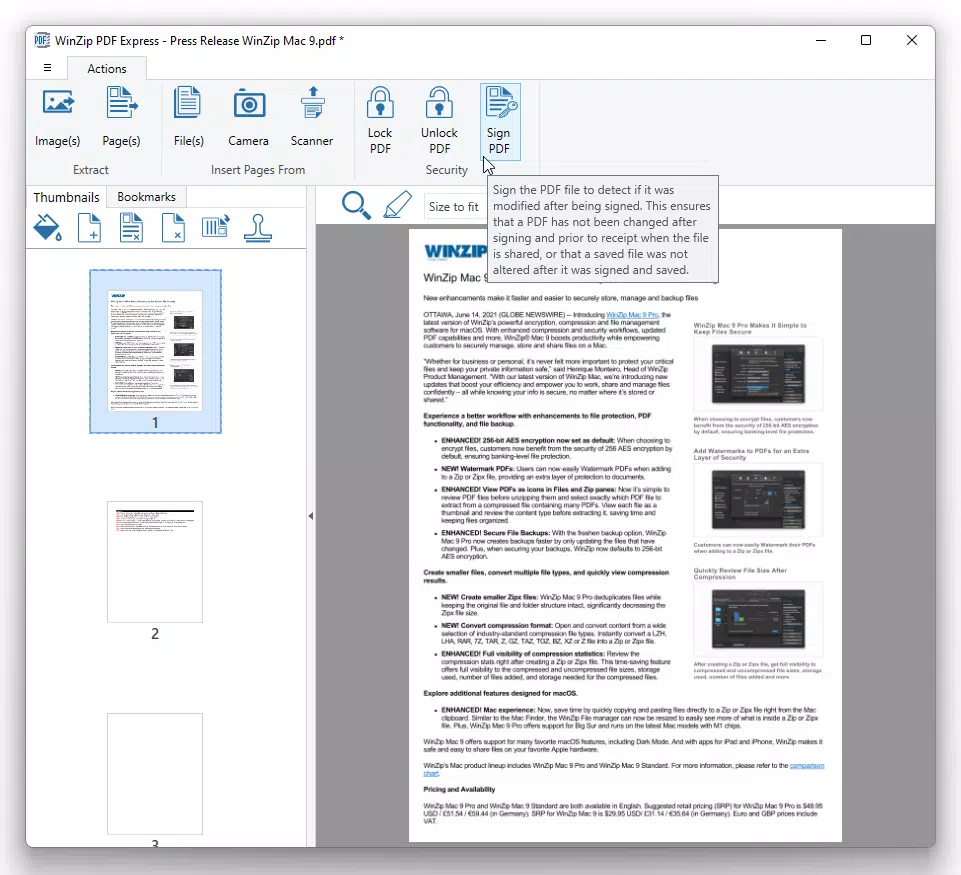
- Enhanced PDF Capabilities: With WinZip PDF Express, users can edit text, add annotations, and manage PDFs directly on their Android device. This enables professionals to make quick changes to contracts, reports, or forms without requiring a desktop application.
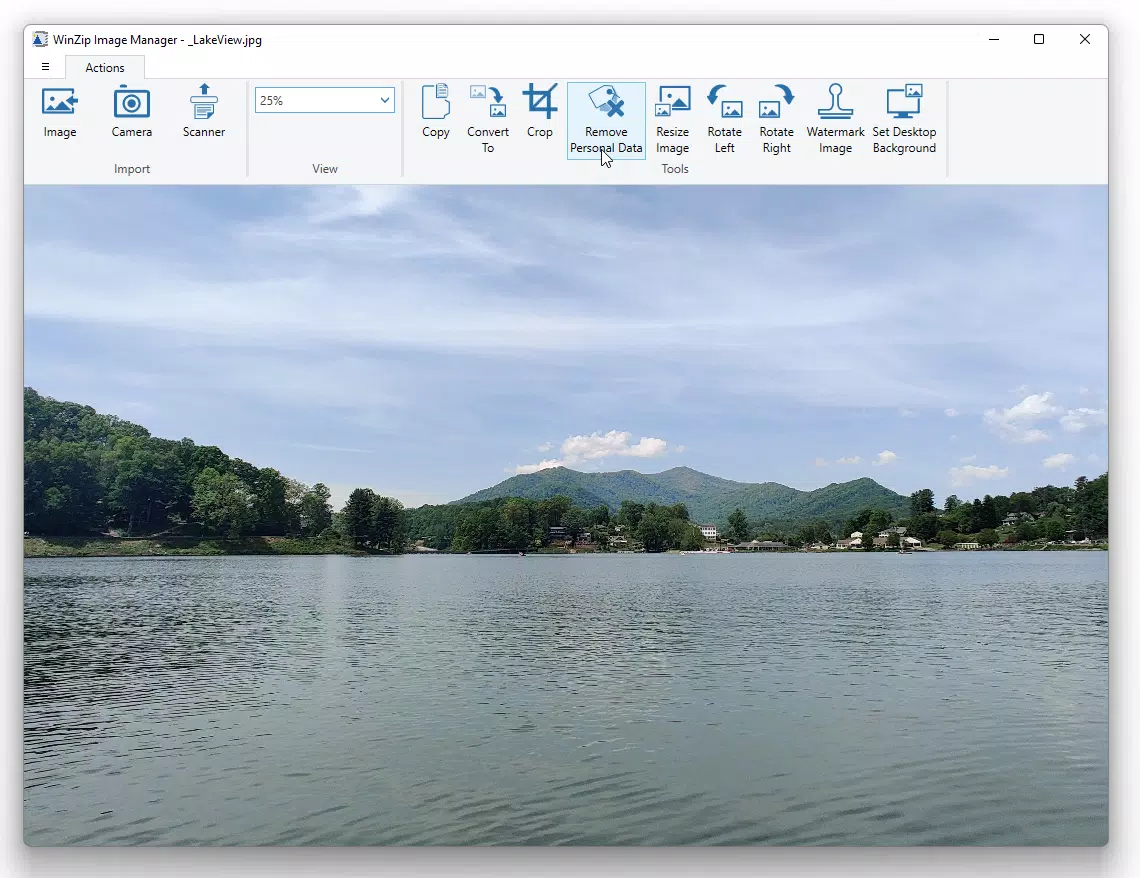
- Powerful Image Management: The Image Manager supports batch processing, allowing users to resize, crop, and optimize multiple images at once. This is especially useful for photographers or social media managers who need to prepare visual content efficiently.
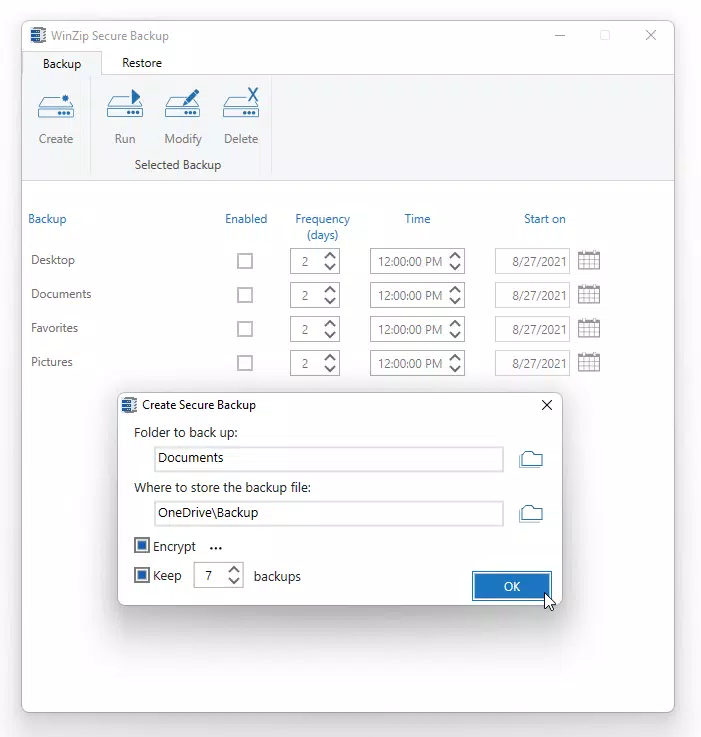
- Secure Backup Solutions: WinZip Secure Backup enables users to back up files locally or in the cloud. This feature helps prevent data loss due to device failure or accidental deletion, offering a safety net for important personal and work-related files.
- Pro-level Sharing Options: WinZip Share Express combines encryption with rapid file sharing. Users can securely send compressed files with password protection, ensuring confidentiality during transmission—ideal for business communications or sensitive personal data.
Each feature is designed to serve practical needs: compressing a large presentation for email, editing a contract on a tablet, or backing up vacation photos to avoid loss. The integration of these tools into a single app reduces dependency on multiple third-party applications, enhancing efficiency and reducing clutter.
Interface, UX & Performance
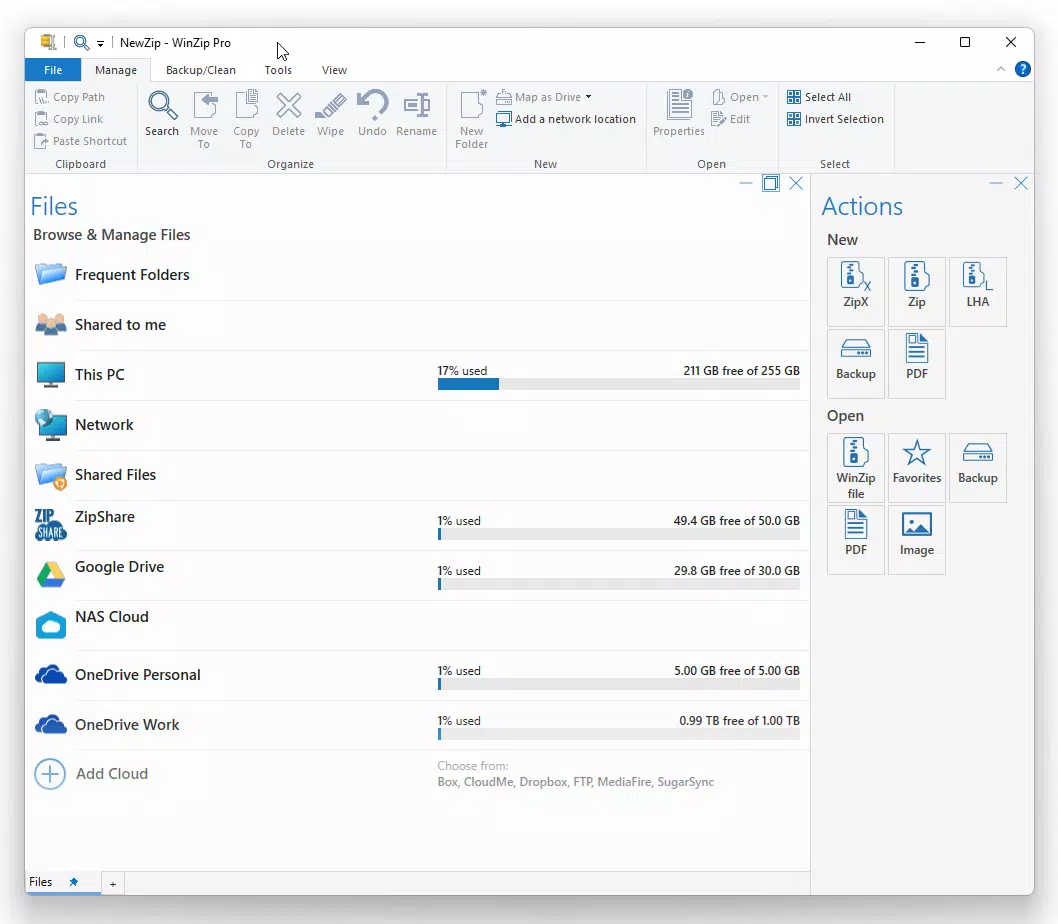
WinZip 27 features a clean, intuitive interface that prioritizes ease of access to core functions. The layout is organized with clear navigation, placing essential tools like compression, extraction, and file management within a few taps. Visual design is minimalistic yet functional, using consistent icons and color coding to guide users through tasks.
Navigation flows logically from file selection to action execution, minimizing steps required to complete common tasks such as zipping a folder or extracting a downloaded archive. The app maintains responsiveness across different device categories, though specific performance benchmarks were not disclosed. Although the developer did not list formal performance metrics, the app operates smoothly during routine operations like opening archives and processing images.
Stability appears to be well-maintained, with no reported issues related to crashes or freezes. The app handles file operations efficiently, even with moderately large archives, suggesting optimized resource usage. The user experience is consistent with modern Android design standards, offering a seamless interaction for both new and experienced users.
Platform Compatibility & Technical Requirements
WinZip 27 is available exclusively on the Android platform. It requires Android 5.0 or higher, though specific OS version details were not fully disclosed by the developer. The app’s file size is 23.1 MB, making it lightweight and suitable for devices with limited storage space.
Compatibility with different Android devices was not explicitly outlined, but the app’s small footprint and standard development practices suggest broad accessibility across smartphones and tablets. The developer did not specify minimum RAM or processor requirements, nor did they list support for older or newer Android versions beyond the general availability on current devices.
Pros and Cons
Pros
- Supports over 17 compression formats for maximum file compatibility
- Integrated tools for PDF editing, image management, and secure backup
- Lightweight size at just 23.1 MB
- Free to download and use with no in-app purchase barriers
- Secure file sharing with encryption and password protection
Cons
- Specific OS version requirements were not clearly stated
- No information on cloud storage provider integrations
- Advanced features may require learning curve for first-time users
- Developer did not provide detailed performance benchmarks
- Compatibility with older Android devices remains unconfirmed
FAQ
Is WinZip 27 safe to download and install?
Yes, WinZip 27 is a legitimate mobile application developed by WinZip, LLC. It is available through official Android channels and does not contain known malware or harmful components.
Can I use WinZip 27 on iOS devices?
As of now, WinZip 27 is only available on Android. There is no official iOS version listed by the developer.
Does WinZip 27 require an internet connection?
Basic file compression and extraction functions can be performed offline. However, features like cloud backup and secure sharing may require an active internet connection.
How often is WinZip 27 updated?
The app receives regular updates to improve performance, fix bugs, and add new features. The latest version, 27.0.0, was released on April 9, 2024.
Is WinZip 27 completely free?
Yes, WinZip 27 is available at no cost. While the core functionality is free, some advanced features may be restricted in the free version, though this was not specified in the provided information.
Final Thoughts
WinZip 27 stands out as a versatile, efficient, and secure mobile utility for managing digital files. Its ability to handle multiple compression formats, edit PDFs, process images, and ensure data safety makes it a valuable addition to any Android user’s toolkit. Whether you're a student organizing research, a professional sharing confidential documents, or a casual user backing up memories, WinZip 27 delivers practical solutions in a single, lightweight app.
With its clean interface, robust feature set, and free availability, it offers strong value for users seeking a reliable file management experience. The integration of professional-grade tools into a mobile environment reflects the evolving needs of modern digital workflows.
Download WinZip 27 now


